Sell in the chat, get paid with proof
Send a payment link in Viber, WhatsApp or SMS, or put a printed QR on the counter. Customers pay with eSewa, Khalti or Fonepay, and you see a payment Paymentsnp has checked with the provider instead of a screenshot.
- No website needed
- Fixed or customer-entered amounts
- A receipt for every payment
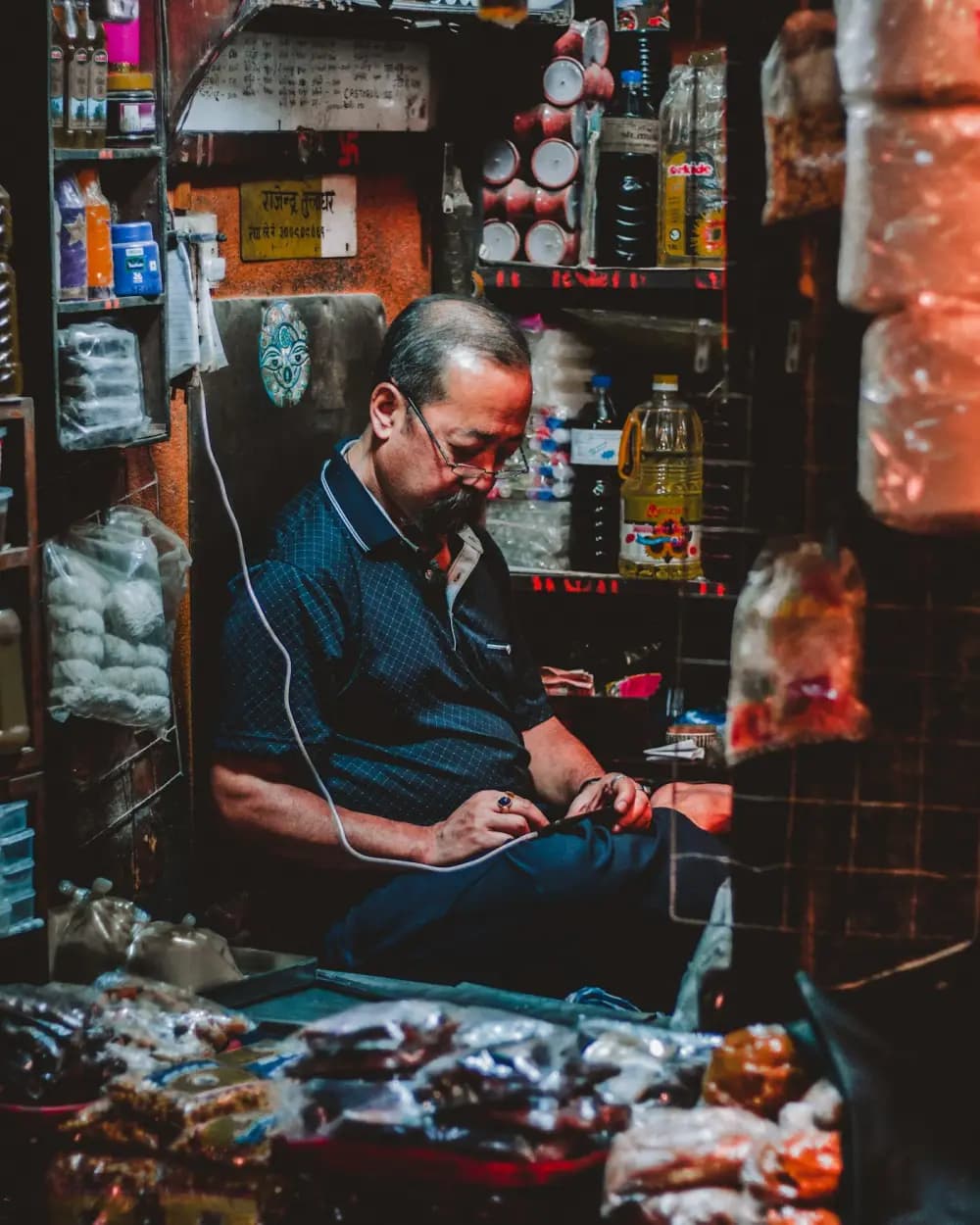
A screenshot is not a payment. It is a picture of one.
A customer orders a jacket on Viber and sends a screenshot of a wallet transfer a minute later. It looks right. To be sure, you open your wallet statement, scroll for the amount, and hope two customers did not pay the same figure in the same hour.
On a busy day you either check every one by hand or pack on trust. Neither scales past a few orders.
- A screenshot can be old, edited or meant for someone elseNothing in the image ties it to your account, your order or today.
- Amounts get typed wrongA customer sends Rs 245 for a Rs 2,450 order, and you find out at the end of the week.
- Your records live in the chatThere is no list of who paid for what, so the accounts are rebuilt from message history.
How Paymentsnp fits. A link instead of an account number.
Make a link in the dashboard
Set a fixed amount for the order, or let the customer type the amount within limits you choose. Links last from 1 to 365 days and can be switched off at any time.
Send it where the customer is
Paste it into Viber, WhatsApp, an SMS or your bio.
The customer pays on hosted checkout
They pick eSewa, Khalti or Fonepay on a page with your name and logo, and can leave a phone number or email for their receipt.
You see a verified payment
Paymentsnp checks the payment with the provider and lists it in your dashboard with an order number like PL-20261112-0007. The customer gets a numbered receipt.
CustomerThe blue kurta in medium, please. Delivery to Patan.
YouThat is Rs 2,450 with delivery. Pay here:paymentsnp.com/pay/your-shop/kurta-118
CustomerDone, paid with Khalti.
Four ways to ask for money. Use whichever suits the sale.
A link per order
A fixed amount for one customer and one order. Once it is paid, you can switch it off so nobody pays it twice.
One link, any amount
The customer enters the amount within the limits you set. Useful for deposits, tips, balances or a regular customer's monthly bill.
The same link at the counter
A link is an ordinary web address, so you can turn it into a QR with any QR generator. Paymentsnp does not make one for you. Walk-in customers then pay on the same hosted checkout.
Your workspace payment page
Opt in to a page at /pay/<workspace> that lists the live links you choose to show, so regular customers always know where to pay.
| Amount | Fixed, or entered by the customer within a minimum and maximum |
|---|---|
| Expiry | Anywhere from 1 to 365 days, or switched off by hand |
| Receipt contact | The customer can leave a phone number or email for the receipt |
| Order numbers | PL-YYYYMMDD-NNNN, counted for your workspace |
| Methods | The ones you have connected and switched on. Khalti is left out below Rs 10 |
| Payment page | Optional, for live links you choose to show on /pay/<workspace> |

No wallet? Scan with the bank app. Fonepay QR at checkout.
When a customer picks Fonepay, checkout shows a QR for that order. They scan it from their bank's mobile banking app.

















Banks on Fonepay's network, as listed by Fonepay. They are not Paymentsnp partners. How we list providers and banks
Products a chat seller uses. All in the dashboard.
- Payment linksLinks with a fixed or customer-entered amount, 1 to 365 days, shared in any chat.
- Hosted checkoutThe payment page that offers eSewa, Khalti and Fonepay and checks each payment with the provider.
- Receipts, reminders and messagesEmail and SMS receipts, unpaid-order reminders and a daily digest.
- Branding and custom domainYour name, logo and colour on checkout, on a domain you verify.
What you need. No website, no developer.
Once your account is approved you can try links in test mode with the Sandbox. Taking real money needs the provider side as well.
| A merchant account with a provider | Your own approved eSewa, Khalti or Fonepay merchant access. A personal wallet is not enough to connect. |
|---|---|
| An approved Paymentsnp account | Verify your email; accounts are approved by hand by default. |
| A phone or computer | Links are made and shared from the dashboard in a web browser. |
| Your branding | A display name and logo, so customers know the page is yours. Optional, but it helps. |
Limits. Worth knowing first.
Questions from sellers.
Can a customer reuse an old link to pay again?
Only if you leave it on. Every link has an expiry between 1 and 365 days, and you can switch any link off by hand once an order is paid.
What if the customer types the wrong amount?
Use a fixed-amount link for a known order total. For customer-entered amounts, set a minimum and maximum so the amount stays within the range you expect.
Does the customer need an app?
They need whichever they pay with: an eSewa or Khalti wallet, or a mobile banking app that can scan a Fonepay QR. Nothing from Paymentsnp has to be installed.
How do I know a payment is real?
It appears in your dashboard only after Paymentsnp has checked it with the provider. eSewa and Khalti are asked for the status with the exact amount, and Fonepay's signed return is checked.
Can customers see all my links in one place?
If you opt in, a workspace payment page lists the live links you mark with Show on my payment page. Links you do not mark stay private.